Overview
This document provides instructions on how to reset your password if you have forgotten it.
Prerequisites
- Access to the email address associated with your Employee record.
Steps
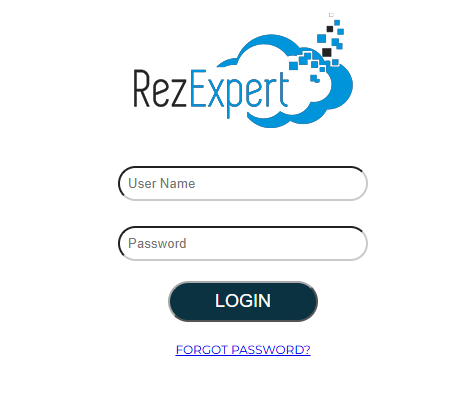
- On the Login page, click on Forgot Password.
- Enter your Username and click Submit.
- An email will be sent to the email address attached to your Employee record, containing a link to reset your password.
Subject Line: Reset Password
Troubleshooting
- If you're receiving your Reset Password email, contact your RezExpert technical support to review the email address associated with your Employee Record.
- Reset Password link is valid for one hour from the time the email is requested.